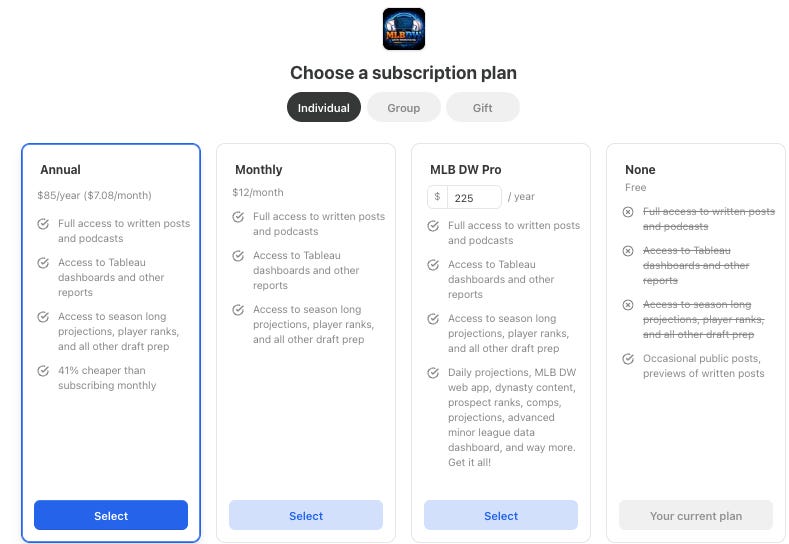
Updates for paid subs! First, I wanted to remind everybody about MLB PRO. Since we’re trying to go to the next level this year, the daily projections stuff (best used for DFS & betting) will be restricted to a higher level of subscribers this year.
The daily projections are easily the most valuable thing I have here. The Bat X daily projections cost you around $500 a year. I’m at $225. A lot of people got used to getting the daily projections for $12/month. Some of you are long-timers and have been getting everything for $5/month. But it’s time to go big, so I’m forcing an upgrade on people who want the in-season daily projections.
No offseason content will be restricted to MLB DW Pro subs, but they do get priority when asking me questions and asking for new features and upgrades and stuff. I’m listening!
The daily projections have had big upgrades every year. We got daily weather fully integrated into them last year. The base skill projections (which powers the whole thing) have been tweaked and upgraded for 2026 already. It’s a solid model, and super useful if you’re playing any form of fantasy baseball or if you’re a betting man.
And the tools will be better than ever. I mean, way better. With the web app rolling and me knowing that stuff now, we’ll have a sweet DFS optimizer with the projections, a much more mathematically sound betting recommendation system, and just a ton more stuff. I’m super excited about it.
That should take you to the page where you can upgrade your subscription.
Going from annual to MLB DW Pro will prorate it, so whatever you’ve already paid will be deducted from the $225.
Just wanted to clear that up and remind some people. The goal is to make this thing a full-time job. I’m not sure if that’s really feasible, and I certainly can’t make that leap of faith with an impending lockout situation. But maybe by 2028, crazier things have happened!
It’s February, so it’s probably about time to get this Draft Buddy out. If you’ve been a paid sub in past years, you’re familiar with it. It’s a Google Sheet where you input your draft results, and it helps you along the draft as you go. It updates team projections and roster information while giving you other draft resources all in one place.
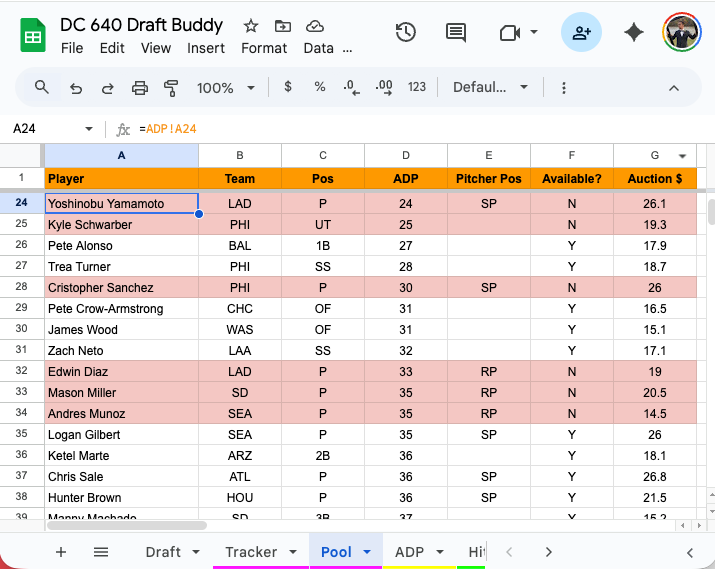
The main change is a new pool tab which shows you the player pool, and it updates while you input draft results. I’ve just started another Draft Champions draft, so I’m using the 15-teamer Draft Buddy to help me out.
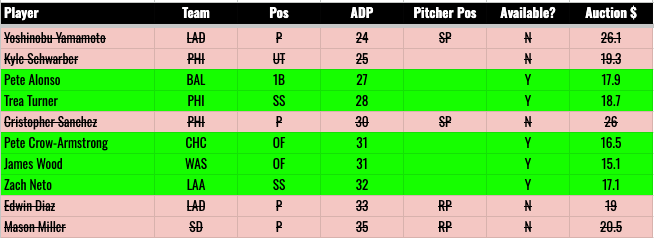
Here’s the new pool tab in action:
So I’ve put my draft results so far into the Draft tab, and that turns the unavailable player rows red.
So you can then see the “best available” in terms of NFBC ADP and auction values. The auction values are new as well, and we’ll get to that.
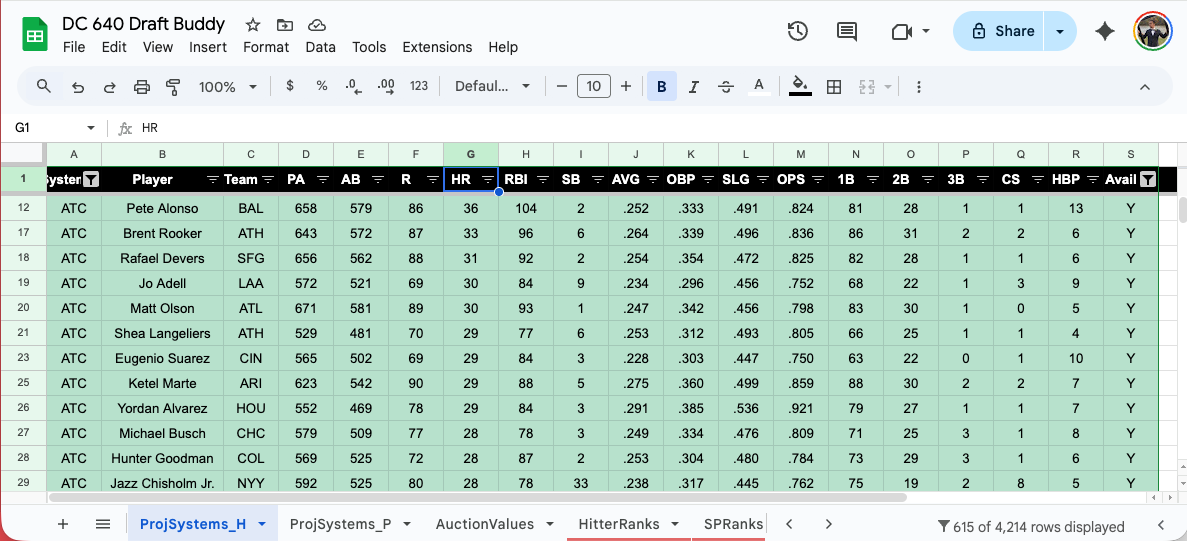
For many of the other tabs, I’ve added in the “available” tracking and the coloring. For example, the ProjSystems_H tab:
You filter that to “Avail = Y” and then you can sort by whatever. In that screenshot, I filtered to ATC projections and saw the highest remaining HR projections.
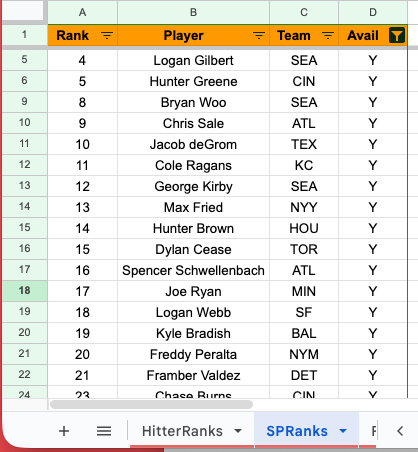
You’ll see it on other tabs as well. I’ve added it to the SP Ranks:
I didn’t add it to my hitter ranks, because I”m usually using the projections rather than my ranks for picking hitters. But you can easily add it yourself if you want.
If you’re using it, you might as well learn some of the basic formulas, so let me help you on that. If you can learn some of these building blocks, you can really make this Draft Buddy whatever you want it to be.
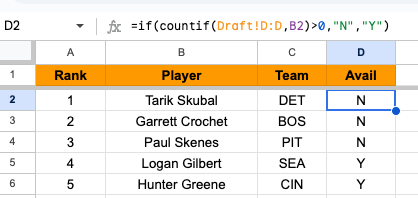
The formula:
=if(countif(Draft!D:D,B2)>0,”N”,”Y”)
There are two statements there. The first one is this:
countif(Draft!D:D,B2)
That looks at column D on the Draft tab, and it counts up how many times it finds the value (player name) from B2 on the same sheet you’re typing in. If a player is drafted, it returns a 1. If not, it returns a zero.
So we wrap that in the IF() statement. It says IF I returned a number greater than zero, put an N there because that player is not available, and otherwise put a Y there.
Easy enough, right?
You can just copy and paste that wherever around the Draft Buddy you want. You might just have to change the “B2” to “A2” or “C2”, depending on where the player names are. I think you’ll get it.
That brings us to the AUCTION VALUE addition. I think a lot of people think auction values are only useful in auction drafts. But if you think that, you’re missing out. They are super useful for getting an idea about the value of a certain player, relative to the rest of the player pool, in your specific league setup.
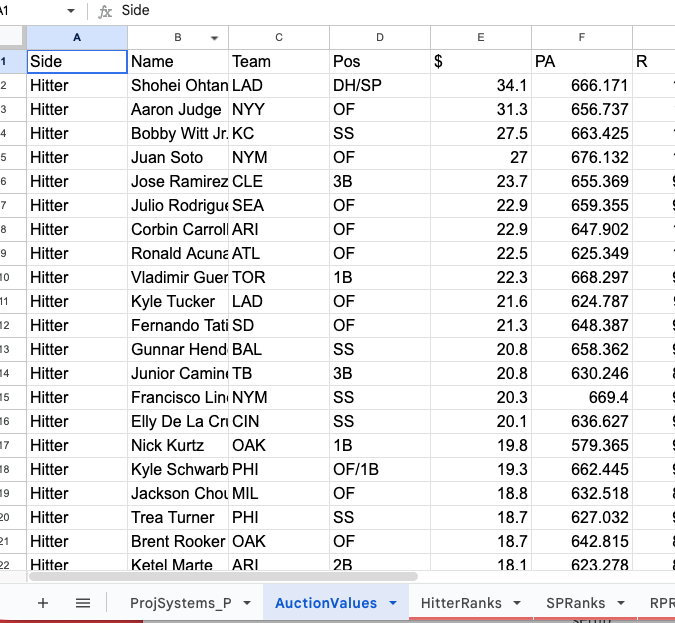
So I’ve pasted in auction values to the AuctionValues tab:
It’s unformatted and ugly, but that’s fine, because it’s raw data that gets displayed elsewhere.
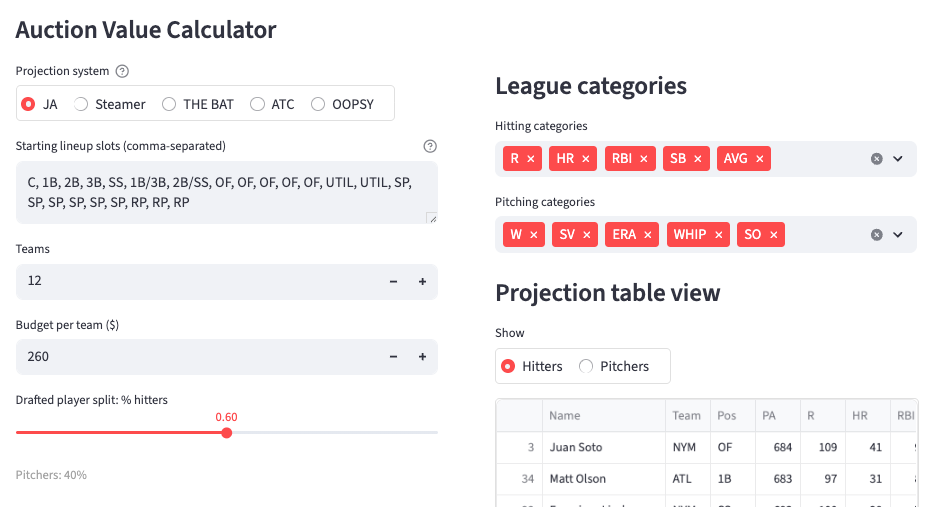
Auction Value Calculator (web app)
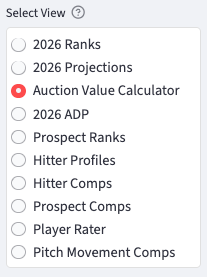
I used a 15-team standard roto league setup (2 C, 5 OF, 1 UTIL) as the default. But what you can do is use the auction value on the web app to replace these values. The step by step of that:
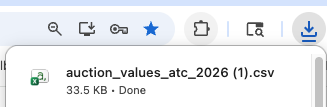
That will download an Excel file to your computer.
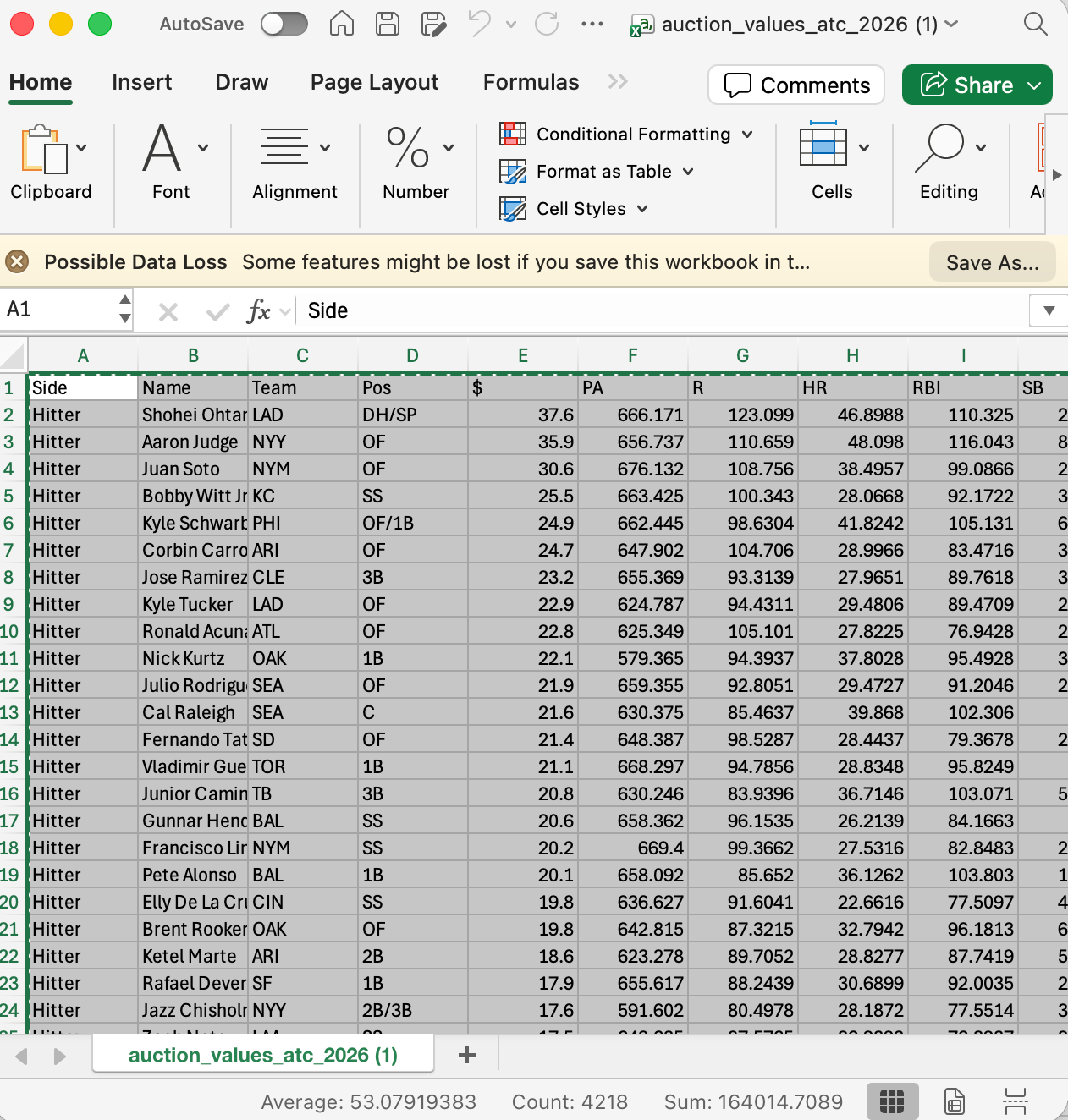
STEP SEVEN: OPEN THE EXCEL FILE, COPY & PASTE INTO DRAFT BUDDY
Helpful keyboard shortcut: click on cell A1, hold down CTRL and SHIFT, and then hit the down arrow and the right arrow. That will select all data. (CMD + SHIFT for mac)
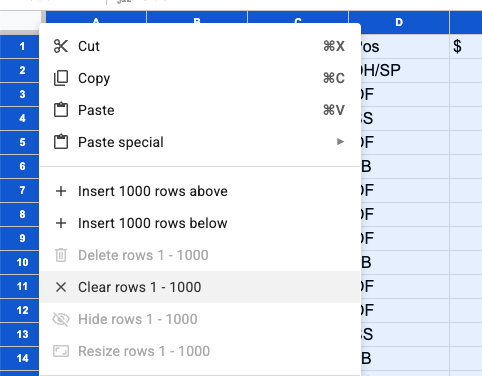
Paste that over top of what’s in the buddy already. If you’re paranoid, you can clear the draft buddy tab first: